
Local SEO Checklist for Dubai Restaurants and Cafés
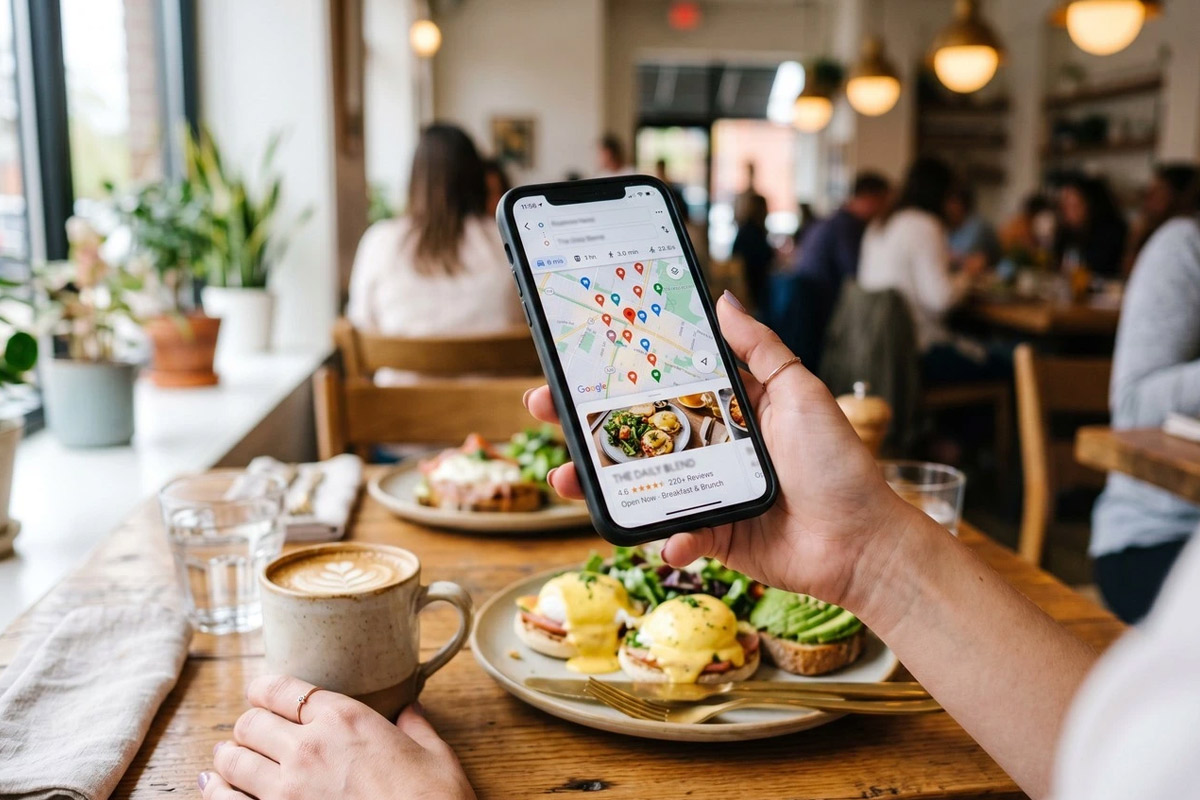
The food looks good, the prices seem reasonable, and then you notice the address: a building you’ve never heard of. Before booking, you’d probably check the route from your hotel and look for a photo of the entrance. Choosing dinner shouldn’t leave you wondering where the restaurant actually is.
Dubai’s Department of Economy and Tourism reported 19.59 million international overnight visitors in 2025. Your usual crowd may know that the entrance is around the side and the parking ticket needs validating. Someone reading your menu from a hotel room won’t. For that guest, a photograph of the door has a perfectly respectable place alongside the photographs of dinner.
Local search engine optimisation, or local SEO, helps people searching nearby find your restaurant. Once they arrive on the page, they’re making ordinary dinner plans, not assessing your marketing. They might send the menu to a friend, check what a meal will cost, or look for a table at eight. Those things need to be easy to do, preferably before everyone gets hungry and somebody suggests going elsewhere.
Your regulars know the way. New guests don’t.
You probably don’t think about the entrance anymore. For a café in Jumeirah, “just around the corner” may be all the directions a regular needs. Someone visiting for the first time, though, could follow the map to the front of the building and find no café door in sight. They’re left wondering whether to keep walking or call, while your team considers the place perfectly easy to find.
Nobody has entered a completely false address. Still, the guest is lost, and your host is explaining the route over the telephone during service.
The simplest check is a small arrival test. Someone who doesn’t usually enter through the front can follow the published directions and note where they hesitate. Those notes give you a specific correction, whether it’s the pin position or a missing entrance description.
The rest of the business profile needs checking against reality too. The telephone number should reach the branch, the main category should describe the business, and the name should match the sign. Adding “best coffee in Dubai” to that name is keyword stuffing, not useful information, and can breach listing rules.
Account access is the less visible part of this work. An authorised person on your current team needs access, so changing a phone number doesn’t turn into “Does anyone still have the old manager’s contact details?”
Each real branch needs accurate details of its own. Delivering dinner to another neighbourhood is one thing; having a restaurant there is another. Your listing should reflect the place guests can actually visit.
Local search considers how well you match the query, how near you are, and how well known the business is. An extra neighbourhood name won’t make the journey any shorter.
The branch page should answer “How do I get in?”
The dining room looks lovely in the photographs. Getting into it may be another matter. At a Business Bay restaurant, a guest could face two lobbies and a parking ramp before finding any sign of the venue. “Third floor” still leaves them guessing which lift to use.
Your host may already have the answer: “It’s the entrance on the side, then the lifts on your right.” That sort of plain explanation belongs on the branch page, once someone has walked the route and confirmed it.
The page can explain which entrance guests use and what happens next. Parking information belongs here too, including charges or validation arrangements where they apply. “Parking available” is less helpful if the guest only discovers the conditions on arrival.
If you’re working with an SEO agency offering local SEO services, those everyday guest questions are a useful place to begin. “People keep calling because they can’t find the entrance” gives the team something concrete to address in your branch page and local profile. You supply the details only your restaurant knows, such as where guests park and who confirms the booking.
There’s no need to write a new page for every district your guests might drive from. You need a useful page for each real branch. A guest reading about one location should reach that location’s telephone number, menu, and booking option, rather than land in a shared process with no clear branch selection.
Access information deserves the same precision. “Step-free” needs to mean guests can reach the restaurant without using steps, not just move comfortably once they’re inside. A staircase between the car park and the entrance changes that answer.

Reading the menu shouldn’t be hard work
That full-page menu image looked fine on the laptop. On a phone, though, reading it becomes a little exercise: zoom into the dish, slide across to the price, then find your place again. A guest comparing lunch options may decide that another restaurant makes this easier.
There is also the menu that reads perfectly but no longer exists. The printed version has changed, yet a downloaded copy still advertises last season’s dishes. Your team then has to explain the mismatch at the table.
Readable text on the menu page solves the first problem. Guests can enlarge it without losing their place, and search systems have text to interpret. A downloadable menu can remain an extra option rather than the only way to see the food.
Current AED prices solve only part of the second problem. A guest looking at breakfast also needs to know whether they can still order it at two in the afternoon. A simple “Breakfast served until…” beside that section answers the question without sending them elsewhere on the site.
The online menu belongs on the update list alongside the printed copies. When the kitchen approves a change, someone needs to check the website and replace any old download. Otherwise, “the new menu is ready” means one thing at the restaurant and another to the guest reading it at home.
Allergy information and translations need a separate check
An allergy question needs a checked answer, even when the dining room is busy. “Let me confirm that with the kitchen” is far better than a reassuring guess. The same standard belongs on your website: dish descriptions should reflect confirmed information, and guests should know how to discuss an allergy with the team before ordering.
When you update the menu, it’s easy to fix one language version and forget the other. Comparing them side by side can catch an old dish description or a change that hasn’t carried across. Are the prices still the same? A guest shouldn’t receive different information simply because they chose a different language.
Give guests a proper look around
The cake looks great, but where would we actually sit? That’s what someone planning an evening out may be wondering as they scroll through your photos. If they’re bringing a pushchair, they might be checking the space between tables; if they want to sit outside, they’ll be looking for the terrace. A simple picture of the seating can answer those questions better than another close-up of dessert.
That favourite terrace shot may still look lovely after the terrace closes. But someone booking because of that picture will expect to sit outside, and “Oh, that area isn’t available anymore” is an awkward start to the visit. A caption explaining a temporary closure, or a current photograph, gives them a fairer idea of what to expect.
Your gallery needs enough current pictures to explain the setting, alongside representative food images. The entrance is worth including, particularly where the building makes arrival confusing. For room photographs, taking them before service can avoid including customers at all. If someone is recognisable in a shot you want to publish, their permission needs checking first; agreeing to dinner isn’t the same as agreeing to appear on your website.
A guest may notice something your team has stopped noticing. “We walked past twice before finding the entrance” is a useful example: the route seems obvious once you know it, which is precisely the problem. An invitation to leave an honest review gives guests room to mention these details. A free coffee or discount shouldn’t be attached to it, since incentives for reviews can breach platform rules.
After a lovely evening, asking for a review feels easy. Asking someone who waited too long or couldn’t find the entrance feels rather less comfortable. But a website review needs both kinds of feedback: otherwise, you keep seeing praise for the food while missing the old menu or unclear booking message that made the visit harder than it needed to be. Those are things your team can actually fix.
A reply saying “Sorry you had trouble finding us” is a decent start. If three more guests report the same trouble, it’s time to change the directions as well. Better directions on the branch page address the next guest’s problem.
Replies should stay clear of private booking details. A calm explanation or a private follow-up may be appropriate, but a review doesn’t become invalid simply because you disagree with it.

“Request received” isn’t a booked table
A guest submits a form for Friday evening and sees a thank-you message. They assume they’re booked. Meanwhile, the manager has a request to approve and possibly no tables left at that time.
It’s an easy misunderstanding. The website has simply left the agreement unclear.
A quick test booking often tells you more than another look at the page. The team can submit one clearly marked as a test, see where it arrives, and read the message sent back to the guest. That’s a more useful check than stopping at “the button works.”
If the booking is still waiting for staff approval, the guest needs to hear that plainly: “We’ve received your request, but your table isn’t confirmed yet. We’ll contact you to confirm availability.” Once you’ve accepted it, something like “You’re booked for Friday at 7 pm, for four people” tells them where they stand. A thank-you message is polite, but it doesn’t tell them whether to make other plans.
The guest has chosen your restaurant and is ready to book. This isn’t the moment for a lengthy questionnaire: a date, a time, the number of diners, and a way to contact them will usually cover a basic reservation. If they miss the time, “Please choose a time” beside that field lets them put it right. There’s no reason to make them type their name and telephone number all over again.
If your café works on walk-ins, there may be no reason to introduce a booking form. Guests would be better served by knowing how walk-ins work and having a telephone number that reaches the café. There’s no benefit in collecting requests your team has no process for handling.
The question log tells you what to fix next
“Open until midnight” sounds clear until the kitchen stops taking orders earlier. Someone arriving at eleven may reasonably expect dinner, only to discover that drinks are still available but food isn’t. Kitchen hours need to be visible wherever that difference affects the visit.
A private event on Thursday can make your usual opening hours wrong for that evening. Maintenance or a change to service during Ramadan or Eid can do the same. The notice needs the dates and times that apply to your restaurant now; otherwise, a guest may find last year’s announcement and mistake it for this year’s plan.
One named person can coordinate changes after the manager confirms them. The update then reaches the website, business profile, and booking availability, with separate kitchen or collection times where needed. An end date is useful here: without one, “temporary” hours have a habit of staying on the website long after normal service resumes.
There’s no need for a new reporting system to spot missing information. A notebook by the telephone or a shared note is enough to record the questions staff hear again and again. No customer details are necessary. “Parking validation,” “breakfast finishing time,” and “booking confirmation” are enough to identify an information gap.
This gives your next website review a sensible order. A failed booking route needs attention before a new photo, and unclear kitchen hours matter more than rewriting a sentence that already makes sense.
Direction requests and telephone taps show interest, not completed visits. Booking records and the team’s account of what happened during service give those numbers some context: did people reserve, turn up, or call because they were lost?
We can start with the questions staff answer every day and look for the information guests couldn’t find. Calls will always be part of running a restaurant. But “Where’s the entrance?” and “Is my table confirmed?” shouldn’t have to be answered from scratch every evening.


